
The viral Hotel Lobby AI trend has taken over TikTok, Instagram Reels, and X (formerly Twitter) with millions of views. Feeds are filled with unexpected pairs, from political leaders and cinema characters to household pets and everyday creators, trading energetic rap verses inside a recognizable monochrome orange recording booth.
Despite the name, this social phenomenon has nothing to do with hospitality lobbies or hotel desks. Instead, it captures the raw energy of an iconic hip-hop performance, reimagined through modern generative video technology. In this in-depth guide, we explore the origins of the trend, examine why it captured social audiences worldwide, and explain how to produce your own high-fidelity duo video in minutes without technical editing skills.
Inside the Signature Orange Booth
Before reviewing the creation workflow, take a close look at the visual environment produced by the studio engine. The setup pairs acoustic burnt-orange walls, a single vintage hanging microphone, and authentic streetwear aesthetics.

The unmistakable Hotel Lobby studio aesthetic featuring synchronized dual rap interaction, a suspended microphone, and warm directional illumination.
What Is the Hotel Lobby AI Trend?
The core appeal of the Hotel Lobby AI trend stems from a blend of hip-hop culture, minimalist visual branding, and generative character synthesis.
The Cultural Origin: Quavo and Takeoff on A COLORS SHOW
The trend draws directly from the 2022 live performance of the track "HOTEL LOBBY (Unc & Phew)" by Migos members Quavo and the late Takeoff on the music platform A COLORS SHOW. Recorded shortly before Takeoff's passing, the performance remains one of the most celebrated moments in modern trap music, characterized by sharp lyrical trade-offs, synchronized body language, and undeniable stage chemistry.
Visual Signatures of the Performance
The performance is instantly recognizable through four signature visual traits:
- Monochrome Matte-Orange Set: A clean, single-color studio booth with seamless floorboards and soundproof walls that eliminate visual clutter.
- Suspended Centerpiece Microphone: A vintage ribbon microphone hanging from the ceiling on an exposed black cord, acting as the physical anchor for both artists.
- Alternating Lead Dynamics: One artist steps in close to deliver rhythmic bars while the partner sways to the 808 beat, nodding and providing ad-libs.
- Stable Waist-Up Framing: A locked-off mid-shot camera that keeps both performers in frame, highlighting genuine performance swag rather than relying on rapid cuts.
Clarification: Social Meme vs. Hospitality Industry Technology
When searching for industry developments, some readers encounter articles about hotel lobby automation, keyless check-in kiosks, and conversational AI concierges. While smart hospitality is an important business sector, the viral Hotel Lobby AI trend dominating social media is purely a creative music video format. It celebrates artistic tribute, humor, and digital remix culture.
Why Did the Hotel Lobby AI Meme Explode Across TikTok?
Every viral format has an underlying psychological hook. Three key dynamics explain why this particular music video template captured global attention.
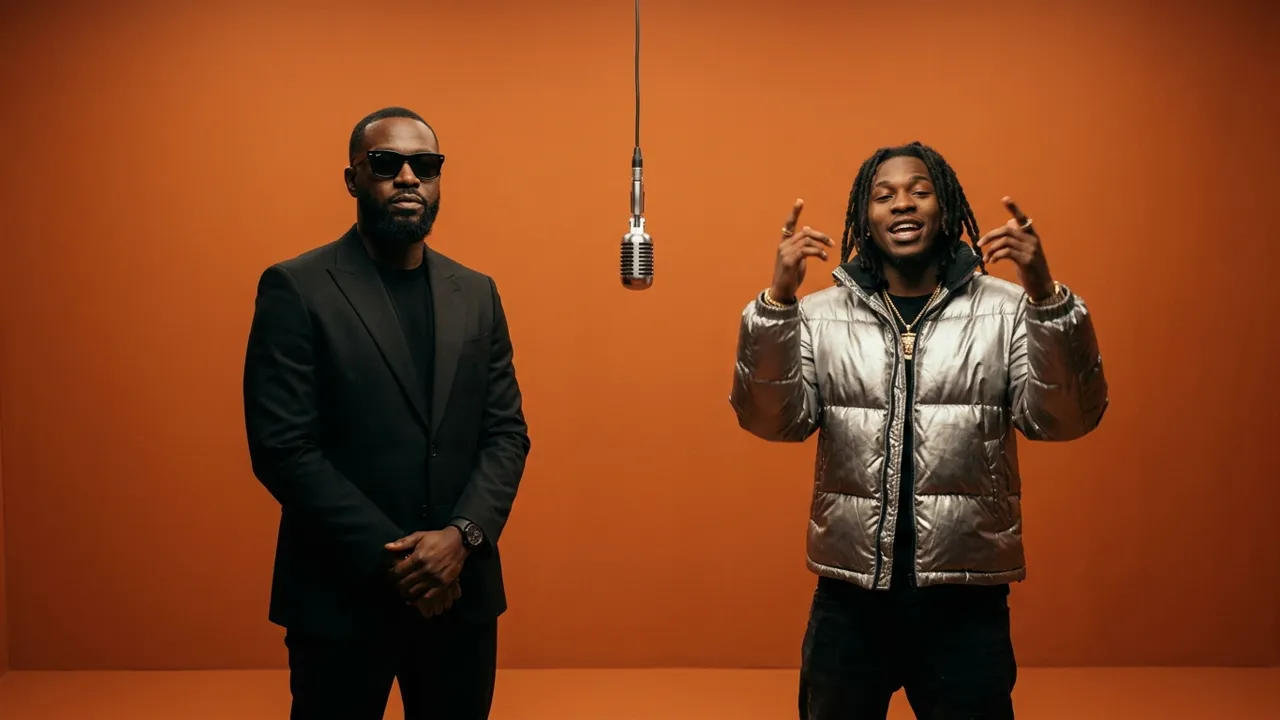
From classic hip-hop swagger to absurd pairings, contrast drives the shareability of the format.
1. The Power of Contrast in Duo Chemistry
The humor and engagement of the trend rely on the "contrast effect." The original recording represents high-energy, confident Atlanta trap music. When creators substitute serious historical figures, rival cartoon characters, or beloved pets into this serious setting, the mismatch produces instant comedy that stops viewers mid-scroll.
2. Built-In Hip-Hop Rhythm and Timing
The original 15-second sound snippet features punchy cadence changes and crisp pauses. The predictable rhythm gives creators an ideal structure for micro-storytelling. Audiences anticipate the beat drop and the exact moment when the two characters trade vocals.
3. Community Remix Culture and Celebrity Parodies
Mainstream public figures, music producers, and digital artists quickly adopted the format. High-profile parodies legitimized the trend, turning what could have been a fleeting novelty into a widespread creative standard across short-form video platforms.
The Evolution of AI Video: From Complex Workflows to 1-Click Generation
The technical journey behind making these clips illustrates how rapidly generative video technology has matured over the past year.
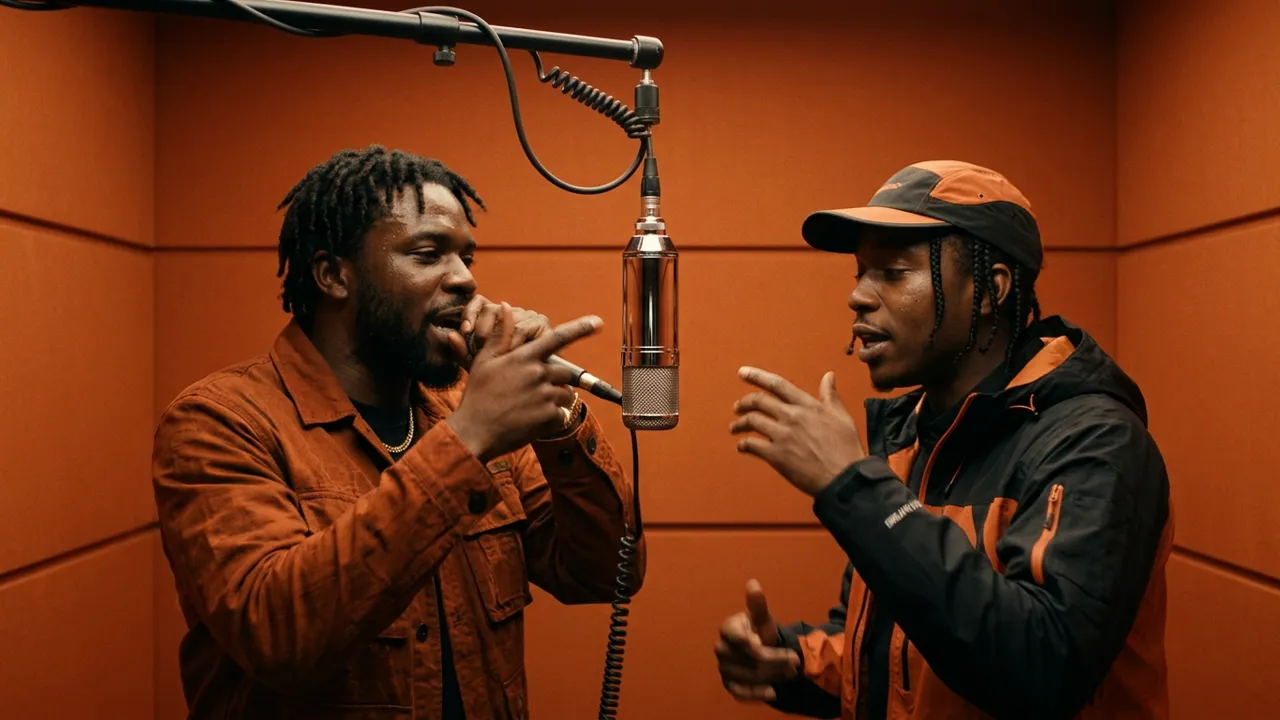
The shift from tedious manual post-production to unified neural video generation.
The Traditional 4-Step Process
Early creators had to manually chain multiple separate tools together to replicate the clip:
- Step 1 (Character Reference Sheets): Generating multi-angle turnaround drawings of each person to maintain facial identity.
- Step 2 (Motion Line Art Extraction): Converting the original COLORS performance into black-and-white skeleton sketches to guide pose vectors.
- Step 3 (Diffusion Model Rendering): Running dense frame-by-frame synthesis, which frequently resulted in flickering limbs and distorted faces whenever hands crossed the microphone cord.
- Step 4 (Manual Timeline Alignment): Importing the exported silent video into a separate editing application to trim, stretch, and align mouth movements to the audio track.
This multi-step method was fragile and required hours of rendering and specialized software knowledge.
Modern Generation Engines: Native Audio and Pose Guidance
Next-generation creative platforms have replaced this friction. With modern automated solutions, creators can upload two static portrait photographs and receive a fully synchronized, studio-grade video in a single automated pass. Neural motion models preserve consistent lighting, natural blinking, and authentic body sway while handling complex occlusion around the suspended microphone.
How to Create Your Own Hotel Lobby AI Video in 3 Steps
Creating your custom rendition no longer requires complicated prompt engineering or external video suites. Open the studio workspace on Hotel Lobby AI and follow these three straightforward steps to generate your clip:
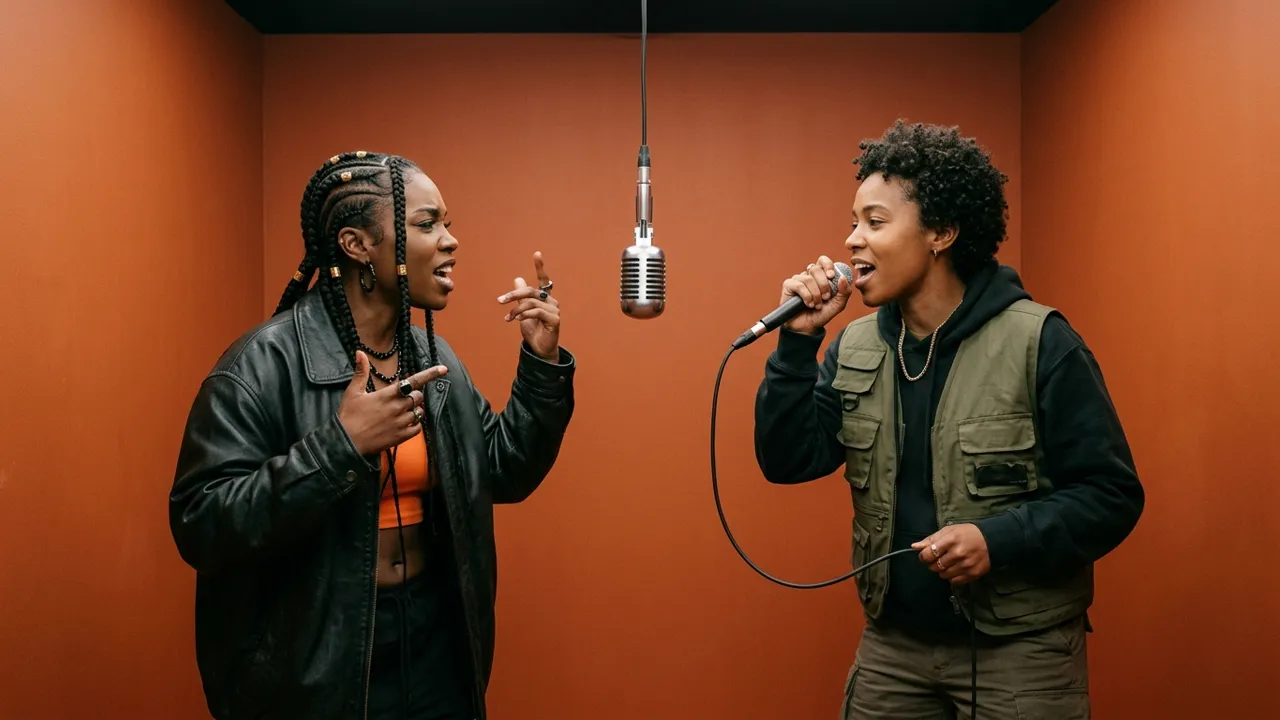
Selecting between audio-driven natural performance and classic studio choreography.
Step 1: Select High-Contrast Portrait Photos
Begin by selecting one clear photo for each performer:
- Use well-lit images where the face and eyes are clearly visible without heavy motion blur.
- Keep the head angle relatively straightforward or at a gentle 15-degree angle.
- For optimal aesthetic balance, pick outfits with distinctive styling (for example, a dark hoodie on the left and a lighter jacket on the right).
Step 2: Choose Your Engine (Veo vs. Riffuvo Studio Model)
Our cloud workspace provides two distinct generation engines depending on your creative goal:
- Veo Audio-Driven Model: Focuses on natural vocal cadence, nuanced lip-sync precision, and dynamic micro-expressions driven directly by the musical flow.
- Riffuvo Studio Model: Strictly preserves the authentic choreography, head nods, and camera transitions of the original COLORS set, paired with a specialized identity shield that offers high pass rates for celebrity caricatures and stylized faces.
If you are looking for an in-depth breakdown of prompt optimization, seed settings, and technical parameters, refer to our step-by-step tutorial on how to do hotel lobby ai.
Step 3: Render, Preview, and Share to Social Feeds
Veo produces an 8-second clip; the paid Riffuvo Studio Model offers 5-, 10-, or 15-second clips. The workspace defaults to 16:9, so select 9:16 before generating if you want a vertical video. Click generate to send your project to the high-performance GPU queue and follow its status in the workspace. Once ready, preview the clip, verify the beat alignment, and download the MP4 in your selected aspect ratio
Official Demonstration Video
Watch our benchmark demonstration below to see the motion continuity, microphone interaction, and lighting integration in action:
Notice how both performers stay grounded in the studio space, moving naturally without facial tearing or background distortion.
Workflow Comparison: Traditional Pipeline vs. Riffuvo
| Feature Category | Traditional 4-Step Pipeline | Riffuvo Instant Studio |
|---|---|---|
| Preparation Time | 30 to 60 minutes per clip | Within 5 minutes |
| Asset Requirements | Character sheets, skeleton line art, audio stems | Two standard portrait photos |
| Software Required | Multiple AI tools and desktop video editor | Unified browser workspace |
| Microphone Occlusion | Frequent hand and facial distortion | Intelligent occlusion handling |
| Audio Alignment | Manual timeline scrubbing | Studio Model: built-in original audio or uploaded audio; Veo: generated music |
| Mobile Readiness | Requires manual crop and export | Select 9:16 before generating for vertical output; default is 16:9 |
Insider Production Tips for Maximum Virality
To help your video stand out in algorithmic feeds, apply these production guidelines:
1. Framing and Facial Expression Guidelines
Avoid using stiff identification or passport photos where the subject has an expressionless gaze. Choose photos with personality (such as a slight smirk, confident gaze, or streetwear sunglasses). These subtle details translate directly into charismatic on-camera swagger.
2. Handling Public Figures and AI Moderation Filters
When parodying recognizable public figures, general-purpose video models often reject the prompt or distort the facial structure due to aggressive safety guardrails. The Riffuvo Studio Model applies a balanced identity recreation architecture that preserves comedic likeness while adhering to ethical usage policies.
3. Sound Sync and Aspect Ratio Optimization
Short-form algorithms reward high completion rates. Vertical 9:16 framing ensures complete screen coverage on mobile devices. Pair your exported video with trending hashtags like #HotelLobbyAI and #ColorsShow to tap into active discovery clusters.
Frequently Asked Questions (FAQ)
Is the Hotel Lobby AI trend free to create?
Yes, new accounts receive complimentary starter credits to test the generation pipeline and preview results directly in their browser before selecting extended packs.
Can I generate videos using non-human characters or pets?
Yes. The motion mapper supports stylized 3D characters, comic art, and pet portraits. As long as key facial features (eyes, nose, and mouth) can be detected, the engine maps head tilts and singing gestures smoothly.
How does Riffuvo prevent face distortion near the microphone?
The platform uses a dedicated studio occlusion shield that isolates the foreground microphone and hanging wire. This prevents the subject's face or fingers from melting into the metallic mic body during animated gestures.
How long does video rendering take?
Most renders complete within 5 minutes on dedicated cloud accelerators. You can track real-time queue status directly in your dashboard.
Explore More Hotel Lobby AI Resources
Continue mastering dual-character AI music videos with these essential tools and references:
- Hotel Lobby AI Video Generator: Start creating your duo rap video right now with free trial credits.
- Hotel Lobby AI Template: Explore curated choreography styles, duo positions, and audio lengths.
- Hotel Lobby Face Swap: Discover our advanced identity preservation and studio lighting mechanics.
- How to Do Hotel Lobby AI Guide: Read our comprehensive technical walkthrough for fine-tuning studio clips.
- Riffuvo Transparent Pricing: Compare credit packages and monthly benefits for high-volume content creators.