

Quavo Takeoff Hotel Lobby AI refers to AI-made versions inspired by the duo's orange-room performance of “Hotel Lobby” on A COLORS SHOW. The original is a real musical performance; the newer clips replace the performers or generate a different duo in a similar setting. The name comes from the song, not a hotel interior.
If you arrived after seeing friends, pets, or fictional characters sharing a hanging microphone, this guide explains the source, the different ways those videos are made, and what to check before creating your own. Riffuvo is an independent tool, not an official Quavo, Takeoff, Migos, or COLORS product.
The original Quavo and Takeoff Hotel Lobby performance
The visual reference is Quavo & Takeoff — HOTEL LOBBY | A COLORS SHOW. Watch that performance to understand the scene before comparing it with an AI edit. It is distinct from the song's narrative music video: the COLORS version places the duo in a spare, orange studio, sharing one suspended microphone.
The scene is recognizable even without a caption. A plain background leaves little to compete with the performers. Their side-by-side placement makes their interaction the focus, while the microphone anchors the composition. That combination explains why changing the characters can produce a familiar-looking clip without reproducing every detail of the original.
The studio illustrations on this page were created for this article. They show a fictional male rap duo, not Quavo or Takeoff. The player above is the real source; the illustrations are not official screenshots or evidence of a video generation test.
What is the Quavo Takeoff Hotel Lobby AI trend?
Quavo Takeoff Hotel Lobby AI edits take that recognizable duo setup and change who appears in it. Some clips keep a source video's movement and replace the faces. Others generate new bodies, clothing, gestures, and interactions from reference images. A similar orange room does not tell you which method was used.
Know Your Meme's trend record documents examples circulating on TikTok and X during September 2026. It is a useful starting point for tracing the meme, not proof that every example was made with the same app. We do not claim a single first creator or reproduce changing view counts here.
For a personal version, Hotel Lobby AI lets you start with two photos rather than filming a performance yourself. The goal is a separate duo video with your own subjects, not a recording of the original artists.
Original footage, face swap, and newly generated video
These approaches can look similar in a short social post, but their outputs differ:
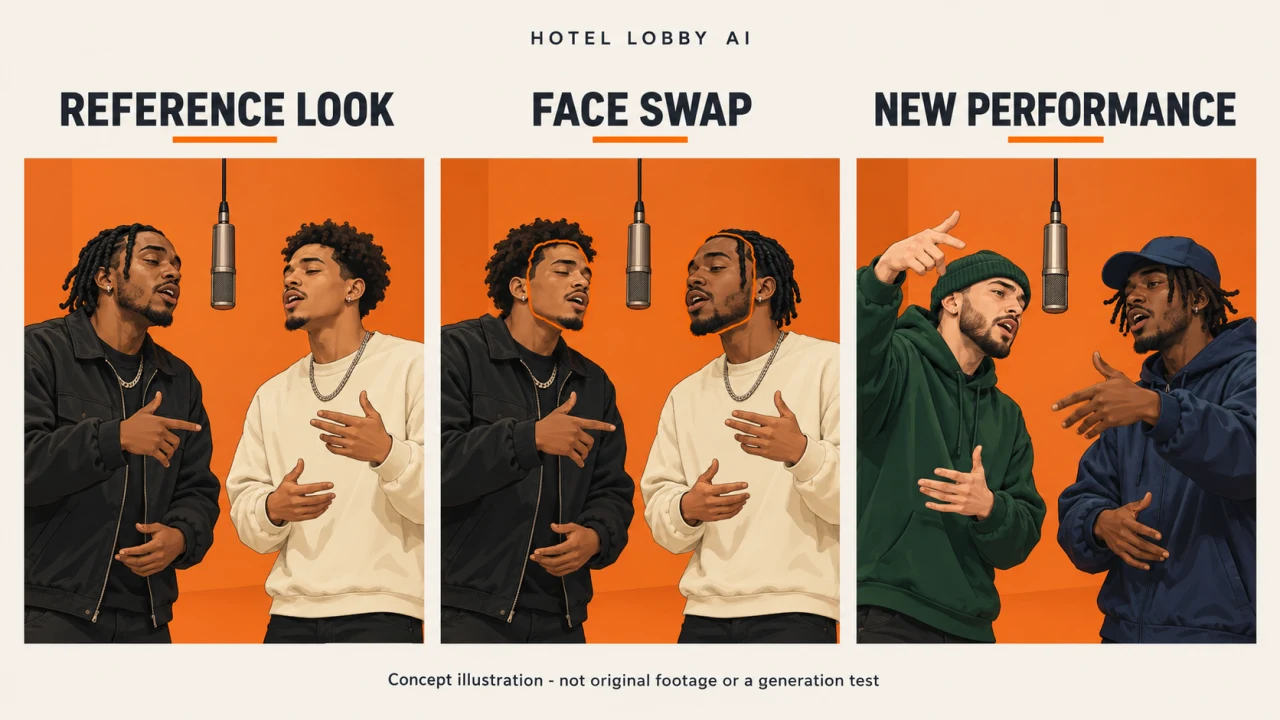
Concept illustration: reference look, face swap, and new performance. These are fictional examples, not original footage or a before-and-after generation test.
| Approach | What changes | What to check |
|---|---|---|
| Original COLORS performance | Nothing: you are watching the artists' real performance | Confirm you are viewing the original source |
| Face swap on source footage | Mainly the visible identity; much of the source shot remains | Body appearance, head turns, occlusion, and permission to use the source |
| Reference-driven video generation | New subjects are generated using images and a motion reference | Identity, motion fidelity, and how the tool handles audio |
| New music-performance generation | A new performance and potentially new music are generated | Whether the result has the song, movement, and mood you actually wanted |
Do not assume that “AI template” means the original song is included, that a face swap changes the entire body, or that a reference-driven model preserves every frame. Ask separately about identity, motion, and sound. This is more useful than comparing tool names alone.
Make your own Quavo Takeoff Hotel Lobby AI video
You do not need to upload celebrity photos to participate. Start with yourself and a friend who agrees to appear, or original characters you can use. Keep the task small: one pair of subjects, one composition, and a clear choice about audio.
Prepare one clear image per subject
Choose well-lit images with visible faces, recognizable hair, and limited obstruction. Avoid group photos, heavy blur, or a microphone already covering someone's mouth. If clothing matters, use images that show it instead of expecting the model to invent the missing details.
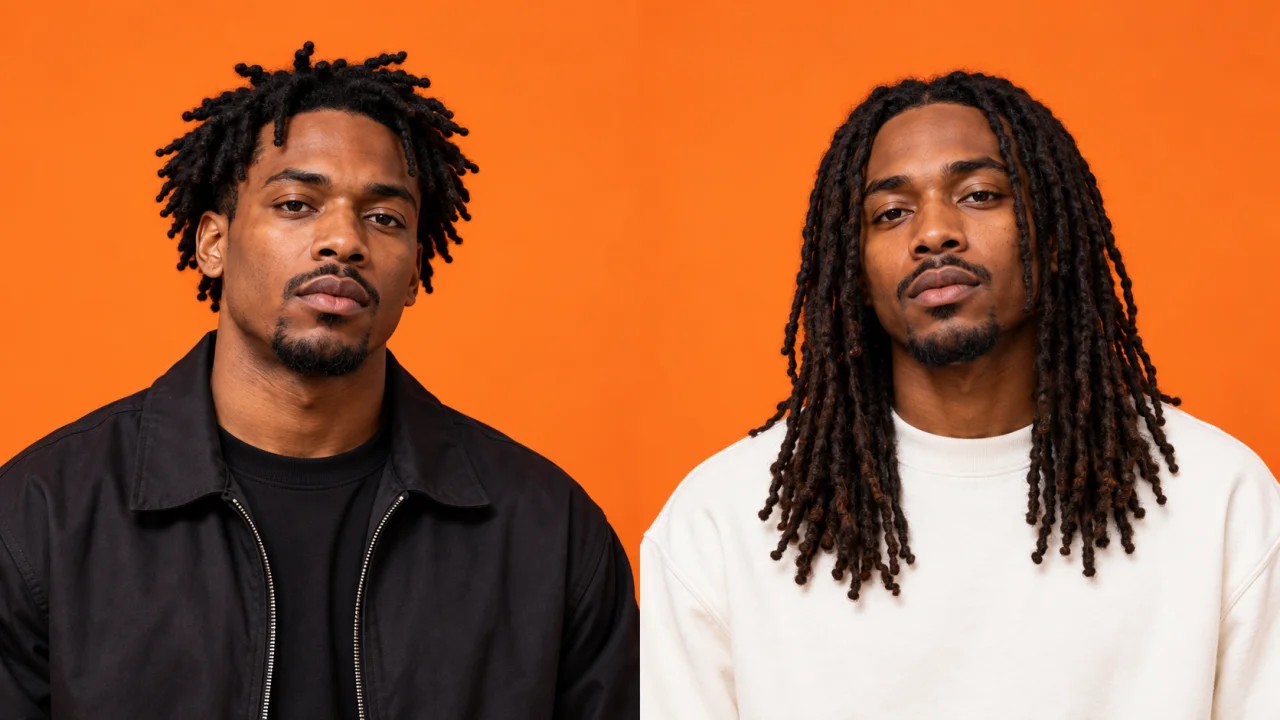
AI-created portrait examples of the same fictional duo. Not photographs of Quavo or Takeoff, and not user uploads.
Choose the motion and audio route
Riffuvo's current implementation separates two routes. Veo creates an eight-second performance with generated music and audio-driven movement. It does not accept an uploaded audio track in this workflow and should not be chosen when your requirement is the exact Hotel Lobby recording.
The paid Riffuvo Studio Model uses a fixed motion reference, with five-, ten-, or fifteen-second options. It accepts an optional audio upload; without one, the workflow selects built-in reference audio. This is reference-to-video generation, not a simple face pasted onto the original footage. Motion matching, audio preservation, and lip-sync are not guaranteed to be exact.
The options above describe the current implementation. Availability can differ while updates are being released: check the live generator's model selector before purchasing or submitting a task. A built-in audio option is not a statement that you have permission to use the artists' recording in every context.
Generate, inspect, then download
To make a Quavo Takeoff Hotel Lobby AI video, upload the left and right subjects, confirm the model and duration, and submit when the interface's requirements are satisfied. Follow the task status instead of treating an animation or estimated progress as a promise about supplier completion time.
When a video is ready, inspect it before downloading or sharing. Check both faces through turns, whether the subjects stay on their intended sides, and whether the sound matches your goal. For the complete interface walkthrough, use the How to Do Hotel Lobby AI guide alongside the controls currently available on the site.
Why faces, movement, or music may differ
A clear reference improves the input, but does not make the output deterministic. Small or obscured faces can lose detail. Turning heads or overlapping the microphone can expose identity errors. Two similar-looking subjects may be confused, and a newly generated performance may choose gestures different from the source.
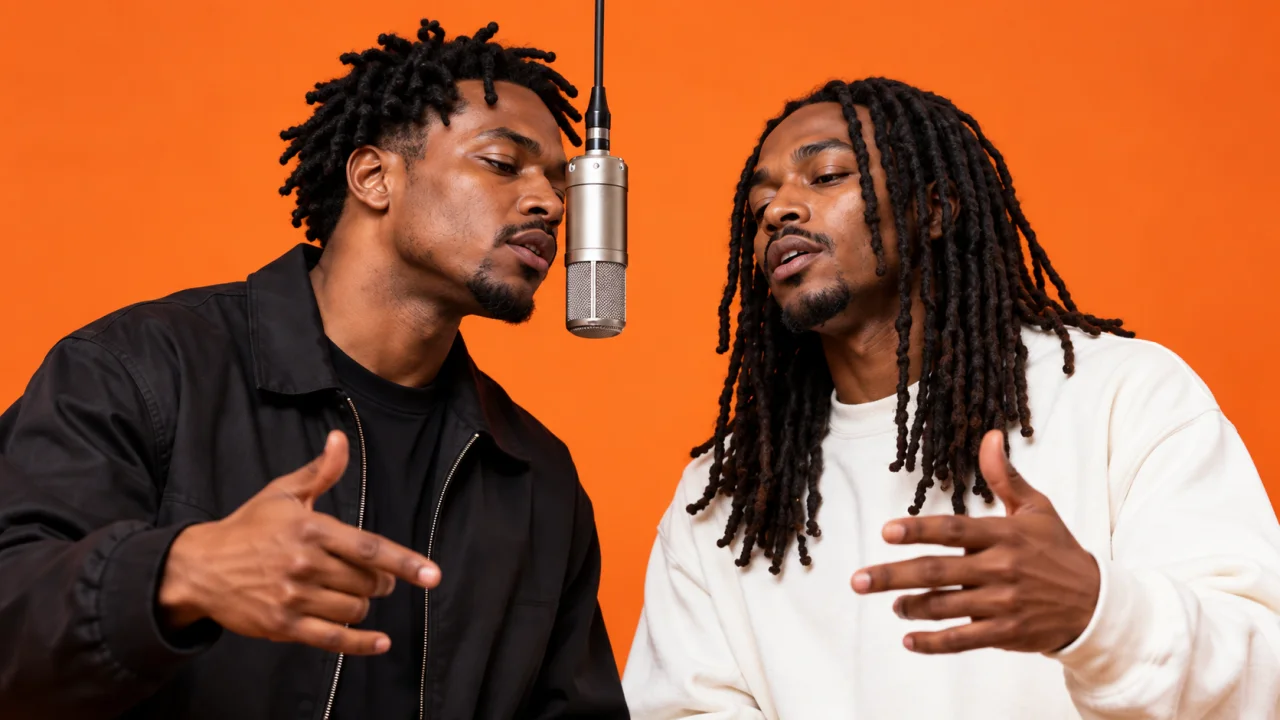
AI illustration of details to inspect: head turns, hands, and microphone overlap. Not original performance footage or a generated-video test frame.
Sound is another separate variable. Generated music is not the original recording, and an uploaded reference does not prove that the final waveform or every mouth shape will match it. Before trying again, identify which part missed your goal: the source images, chosen route, duration, or audio choice. Change that input deliberately rather than assuming repeated submissions will fix everything.
Use this checklist before sharing:
- Identity: are both subjects recognizable through turns, without being mixed together?
- Scene: does the background stay stable, without a drifting microphone or extra people?
- Motion: did you want a reference-driven routine or a new, freely generated performance?
- Sound: is the result generated music, reference audio, or something you need to edit separately?
- Description: does the caption make clear that this is an AI-created version?
Before sharing your AI version
Use photos and audio you are allowed to use, and obtain participants' agreement. Describe the output as an AI-created version rather than a real recording or an artist endorsement. Avoid captions suggesting that Quavo, Takeoff, or COLORS made or sponsored your clip.
Models may reject images they recognize as public figures, including mistaken detections. There is no guaranteed celebrity-generation route, and this guide does not recommend bypassing a refusal. For publishing or commercial use, check the relevant platform's current rules and the permissions for your materials; a generated video alone is not evidence of those permissions.
Frequently asked questions
Is the original Quavo and Takeoff video AI-generated?
No. The source discussed here is their real A COLORS SHOW performance. An AI edit featuring different subjects is a separate version, not the original show.
Does Quavo Takeoff Hotel Lobby AI use the original song?
The source performance is “Hotel Lobby” by Quavo and Takeoff. Not every generated clip contains that recording: some tools use reference audio, some leave audio to editing, and others generate new music.
Do I need to upload the original performance to Riffuvo?
No. The current Hotel Lobby workflow takes two subject images. The Studio Model route uses its own fixed motion reference and offers an optional audio upload, not a user-uploaded source-video field.
Can I recreate every original gesture and vocal exactly?
Do not expect that guarantee. Reference-driven generation and original performance generation have different goals, and either can produce visual or audio variations. Choose a route based on the result you need, then review the actual output.
Further reading
- How to Do Hotel Lobby AI: a detailed walkthrough of photo preparation and the creation workflow.
- Hotel Lobby AI Template: explore the fixed studio format and existing examples.
- Hotel Lobby Face Swap: learn about the site's subject-replacement workflow.
Ready to try Quavo Takeoff Hotel Lobby AI? Use the creation button below to bring your own pair of subjects into the studio.